Get repair customers from RepairHit
People near you use RepairHit to find a repair shop and ask for a quote. Put your shop where they look, and get their requests by email.
Already on RepairHit?
11,945 shops are listed. Find yours and claim it for free.
What your shop gets
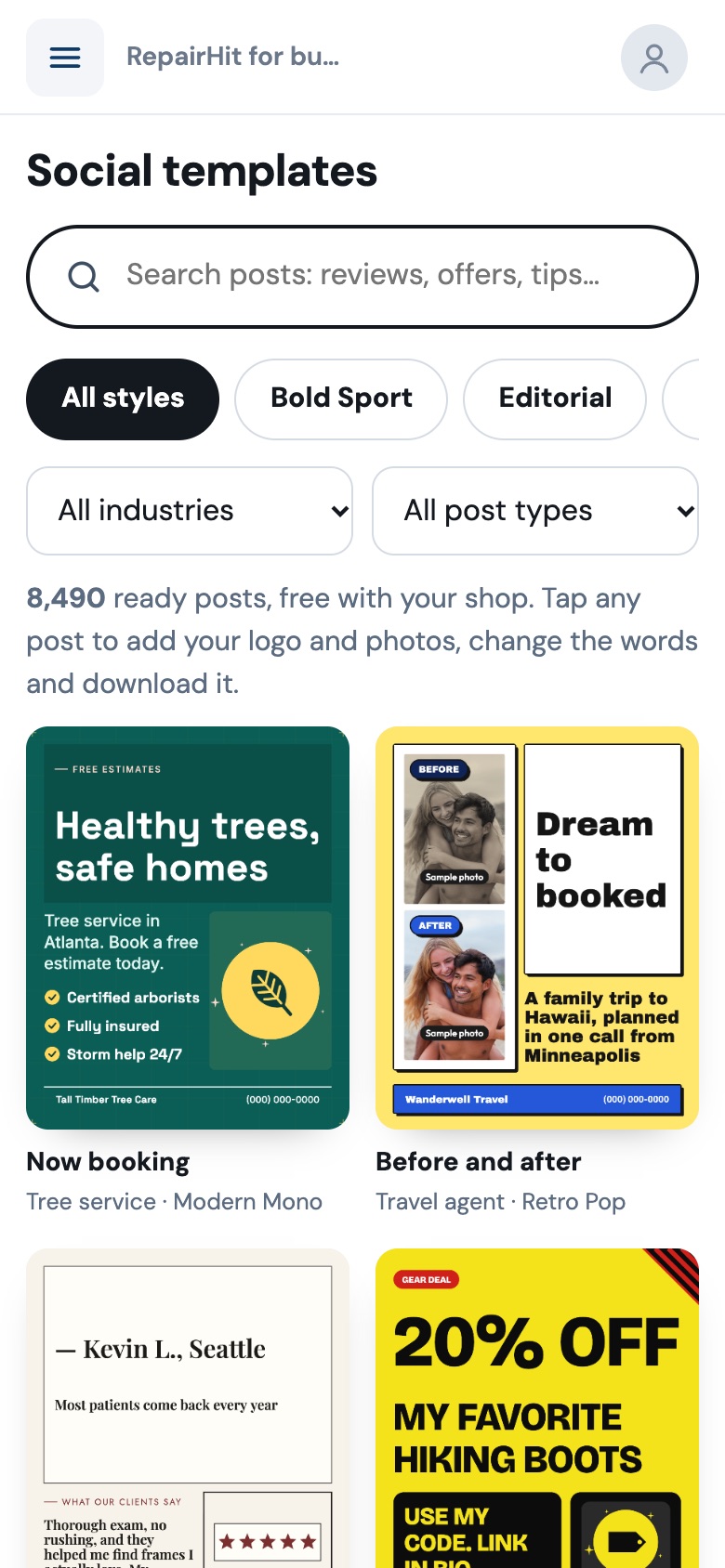
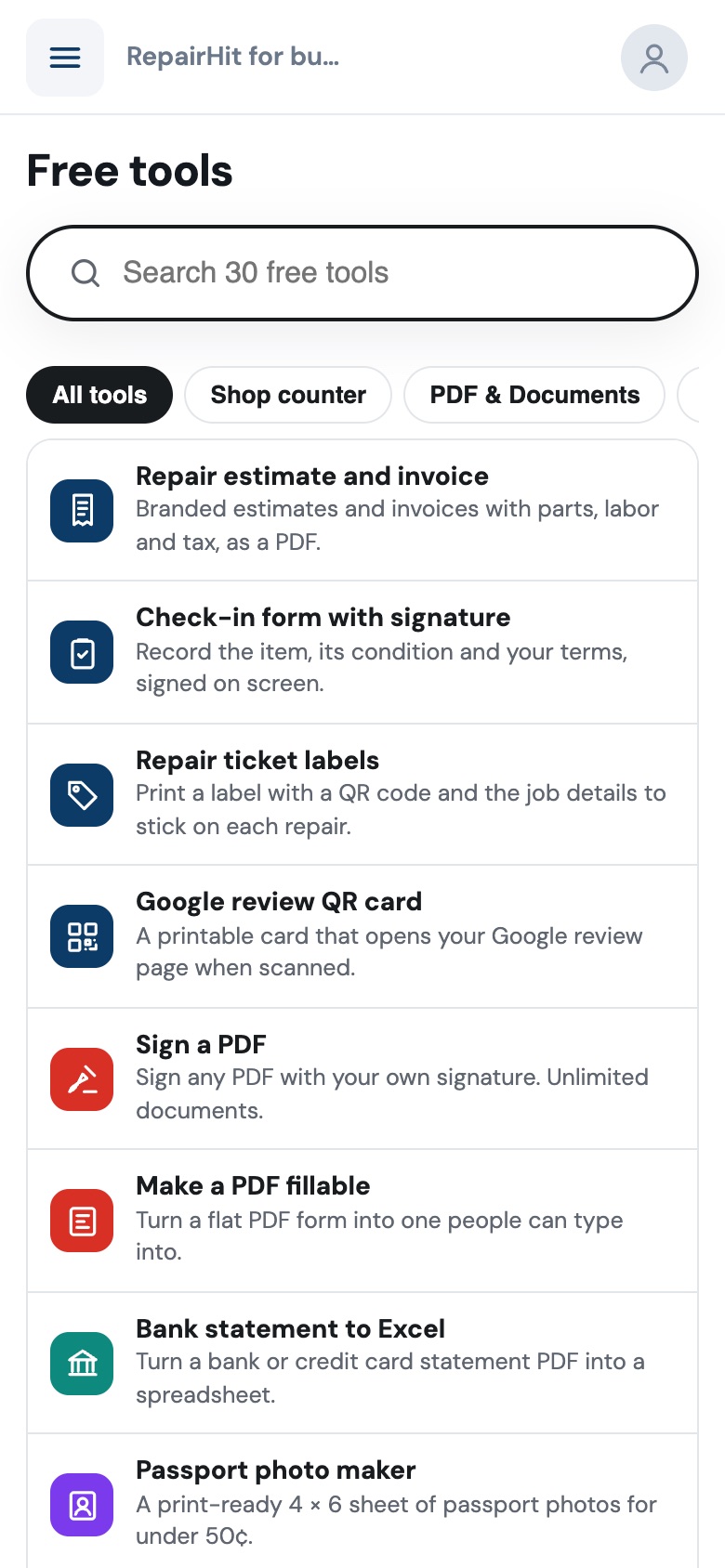
Plus 27 more free tools in your dashboard: sign, merge, split, compress and convert PDFs, make a PDF fillable, bank statement to Excel, passport photos, resume builder, background remover, image upscaler, social media resizer, video captions, transcription, screen recorder and more. Repair shop software usually charges $50–150 a month for tools like these.
See everything you get, free
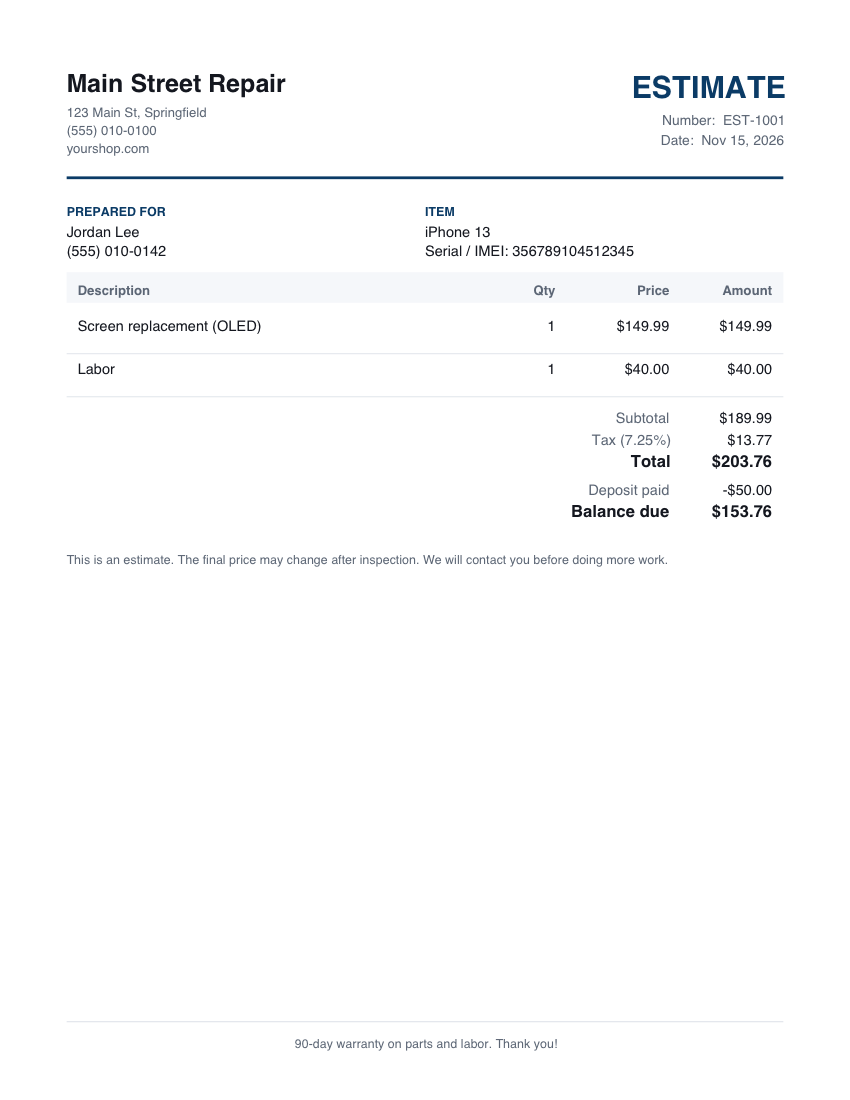
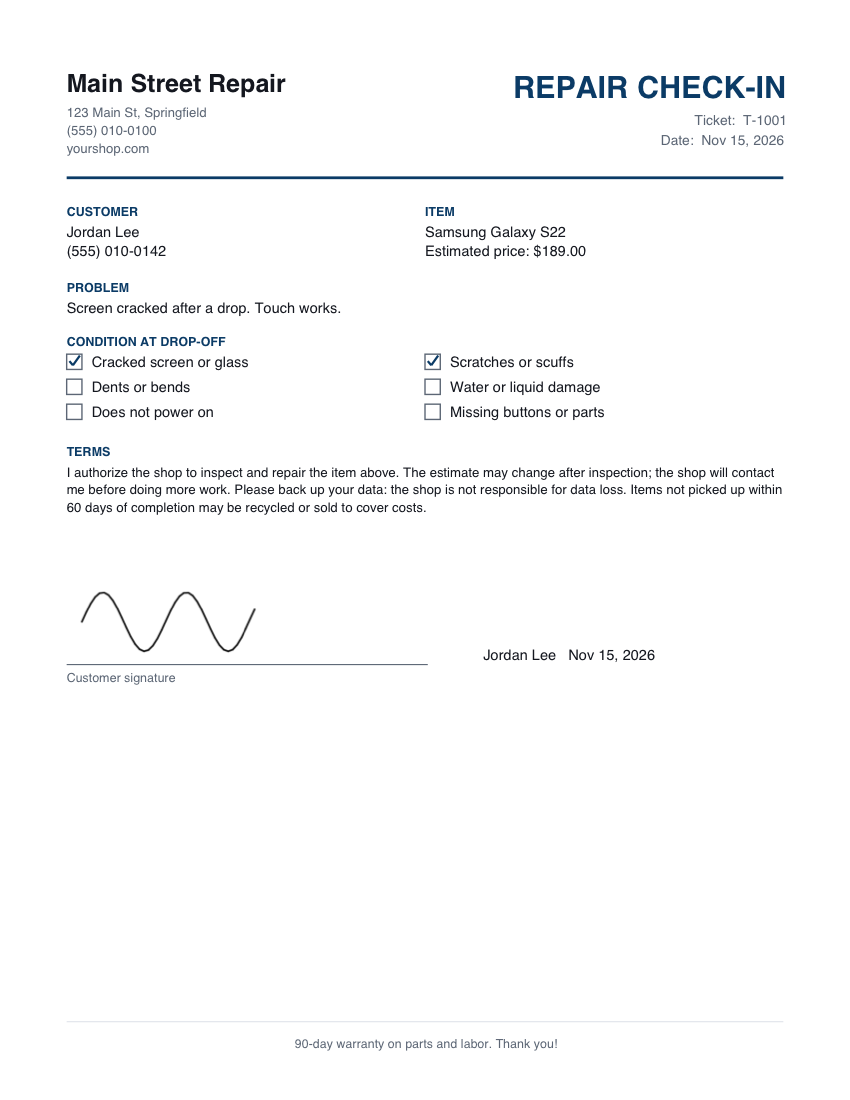
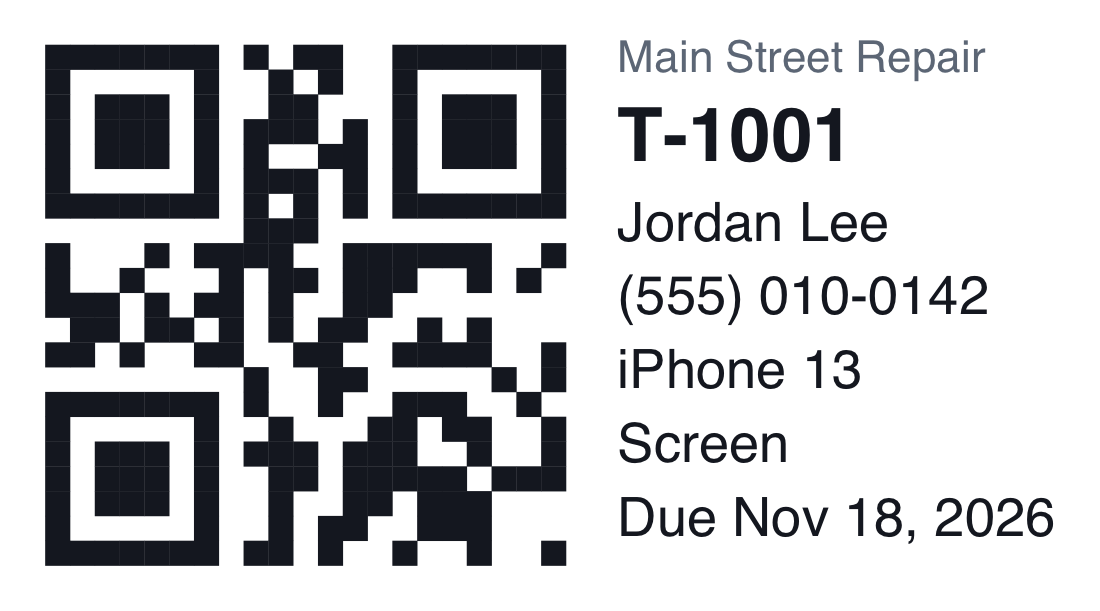
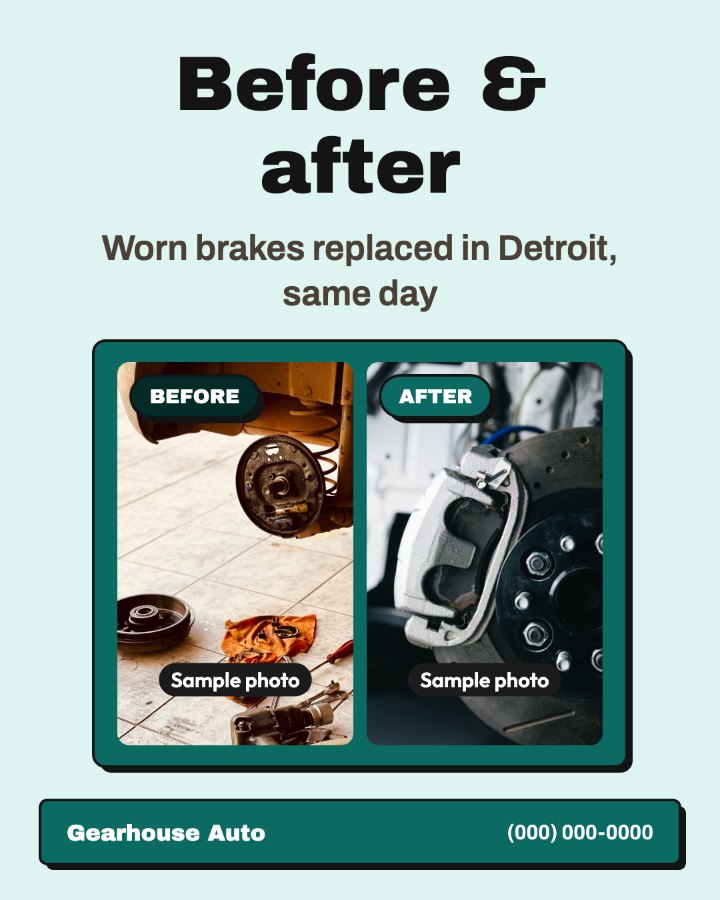
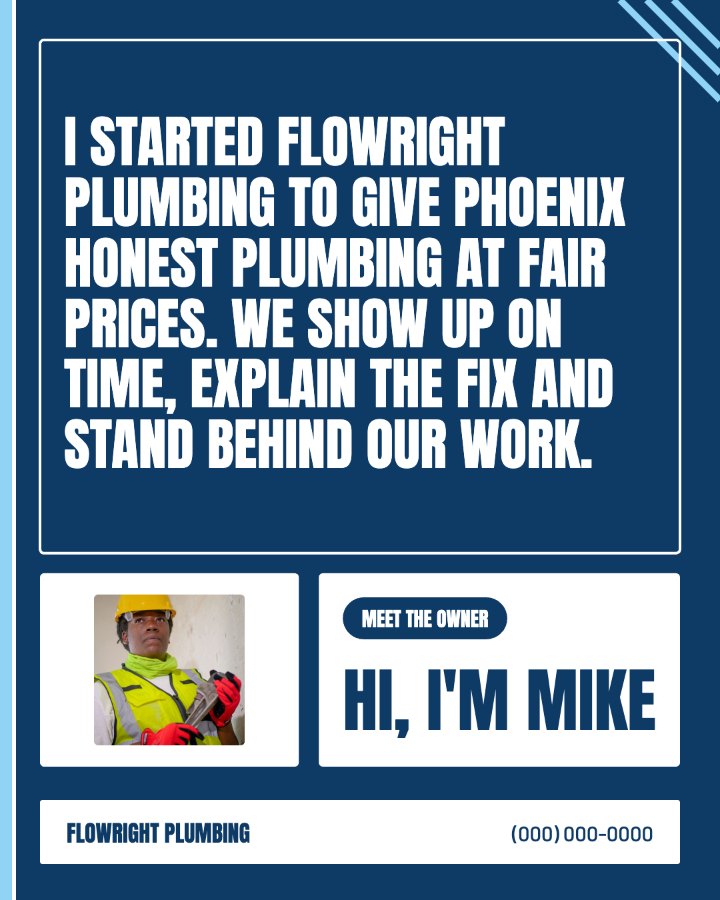
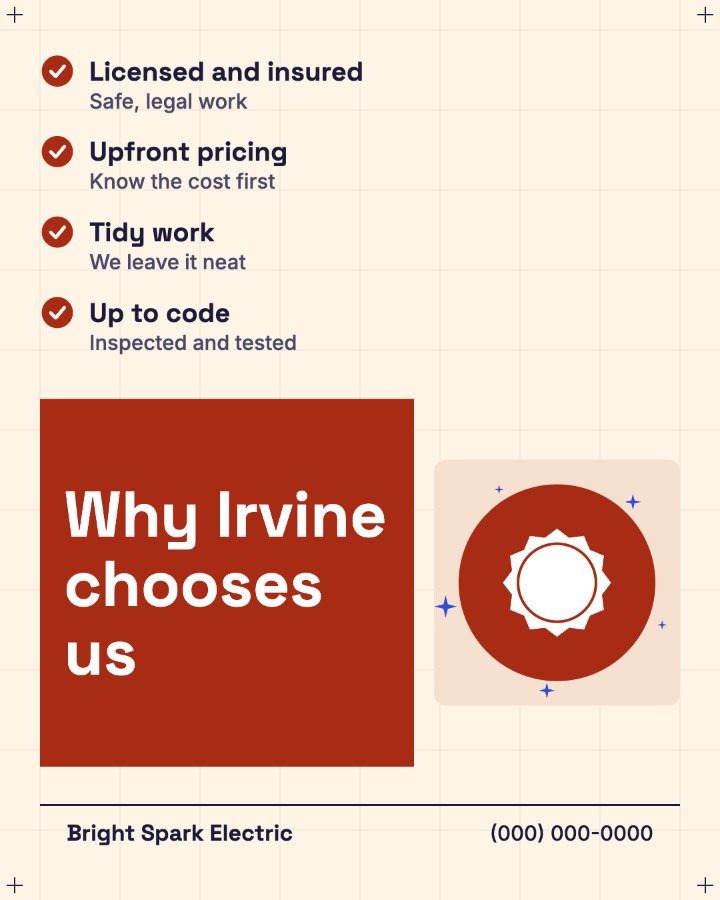
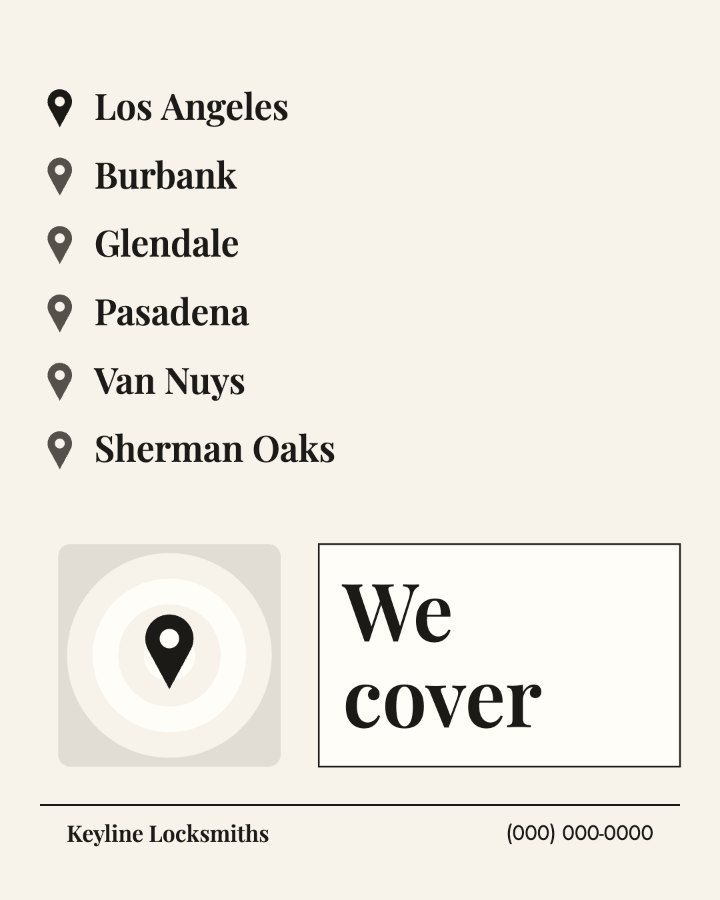
Real examples made with the tools in your dashboard. Your logo, colors and shop details go on all of it.



How it works
You need a free RepairHit account. You can sign in or join on the next step.
- Claim or add your shopClaiming is free. Adding a new shop is a one-time fee. We check every new shop before it goes live.
- Finish your profileAdd your hours, services and photos so customers choose you.
- Get quote requestsCustomers near you send requests to your email. Your first 5 are free.
Customer leads
After your first 5 free leads, you choose whether to keep getting them. You only pay for leads you receive, and you see the price for your category in your dashboard before you turn leads on.
Billed once a month by invoice. Turn leads off any time from your dashboard.
Questions
Are the shop tools really free?
Yes. All 31 tools and 8,490 social media posts in your dashboard are included with your shop, with no watermark and no limits. They run in your browser, so your files and your customers' details stay on your device.
Is there a monthly fee?
No. Claiming a shop that is already listed is free. Adding a new shop is a one-time fee, shown in your dashboard before you pay. You only pay for customer leads after your first 5, and only if you turn leads on.
What is a lead?
A lead is a quote request a customer sends to your shop from RepairHit: what needs fixing, when they need it, and how to reach them. It comes to you by email.
How am I billed for leads?
Leads after your first 5 are added up and billed once a month by invoice, with 14 days to pay. Prices depend on your kind of repair and are listed above.
Can I stop getting leads?
Yes. Turn leads off any time from your dashboard. Your shop page stays up.
How do I claim my shop?
Search for your shop above and tap it. We confirm you run the business with a code sent to your business email or phone, or with proof you upload.